
Branching / skip logic
Send people to a different question — or a different thank-you — depending on how they answer. Everyone sees only what applies to them, so more of them finish.
Beautiful, on-brand surveys
Made for event sign-ups
Ask your attendees, members or readers.
The survey looks like your brand, takes minutes to build, and there's nothing to learn.
Free, no response cap. No credit card required.
Free plans compared
| Feature | AskSincerely | Typeform | SurveyMonkey | Google Forms |
|---|---|---|---|---|
| Responses on the free plan | No limit | 10 a month | Only some viewable | No limit |
| Branching / skip logic | Included | Paid plans | Paid plans | Included |
| Your own look — logo, colours, themes | Included | Included | Paid plans | Colours and a header image |
From each provider's published free plan, as of November 2026; plans change, so check with the provider. See the full comparison →
Who it's for
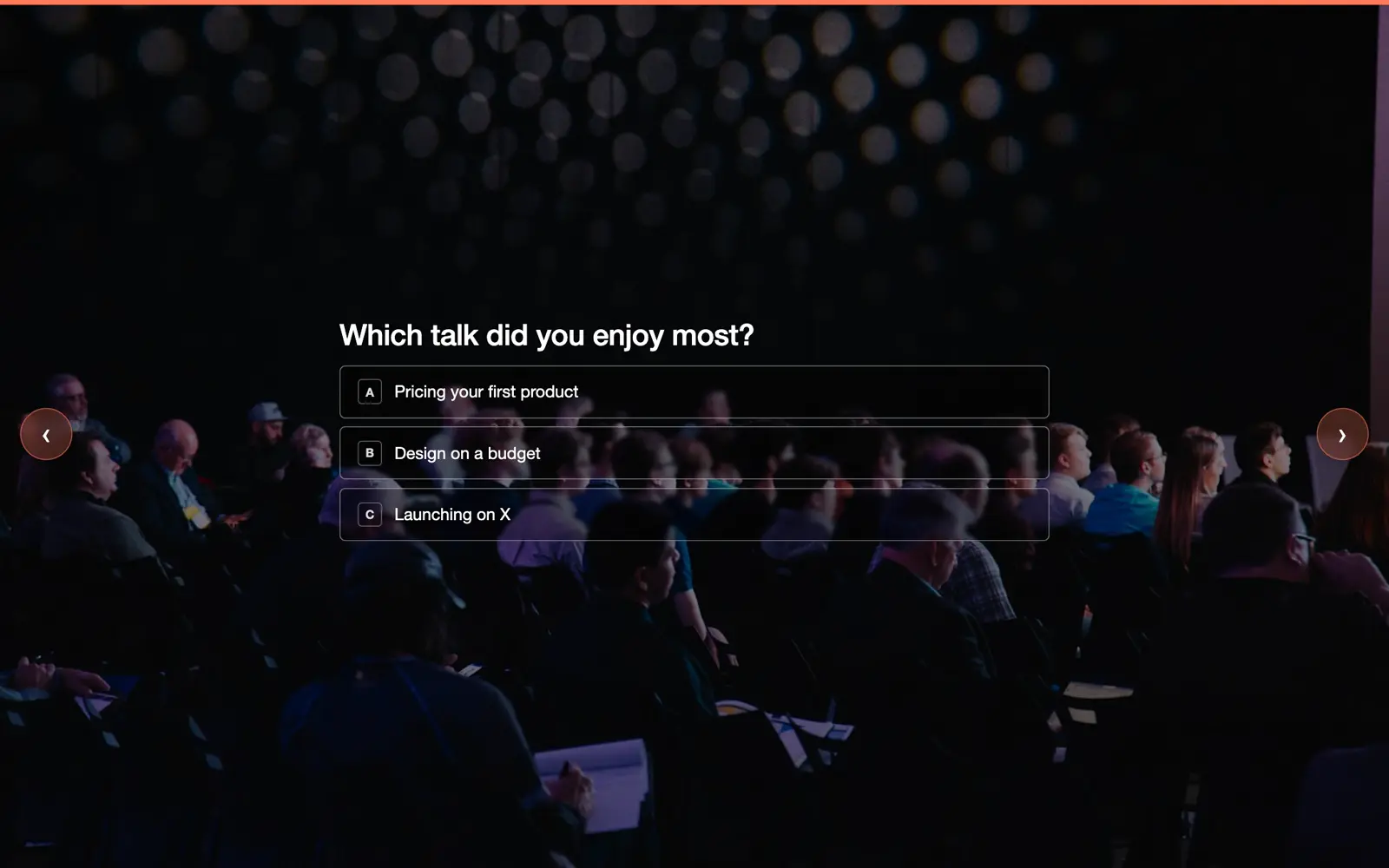
Collect sign-ups before the event and feedback the morning after, each from one link.
Event templates →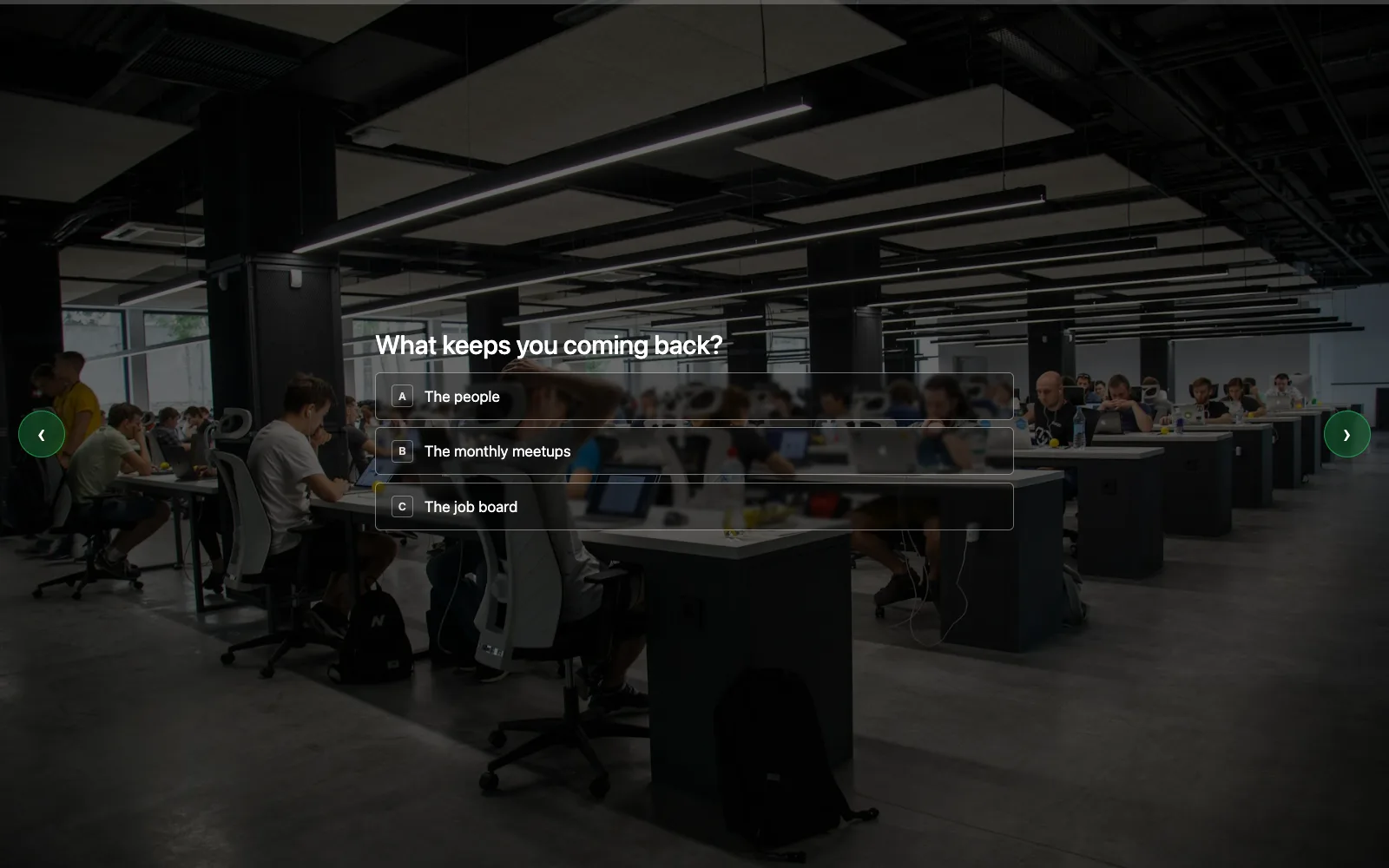
A two-minute pulse your community finishes on a phone, without signing up for anything.
Member survey template →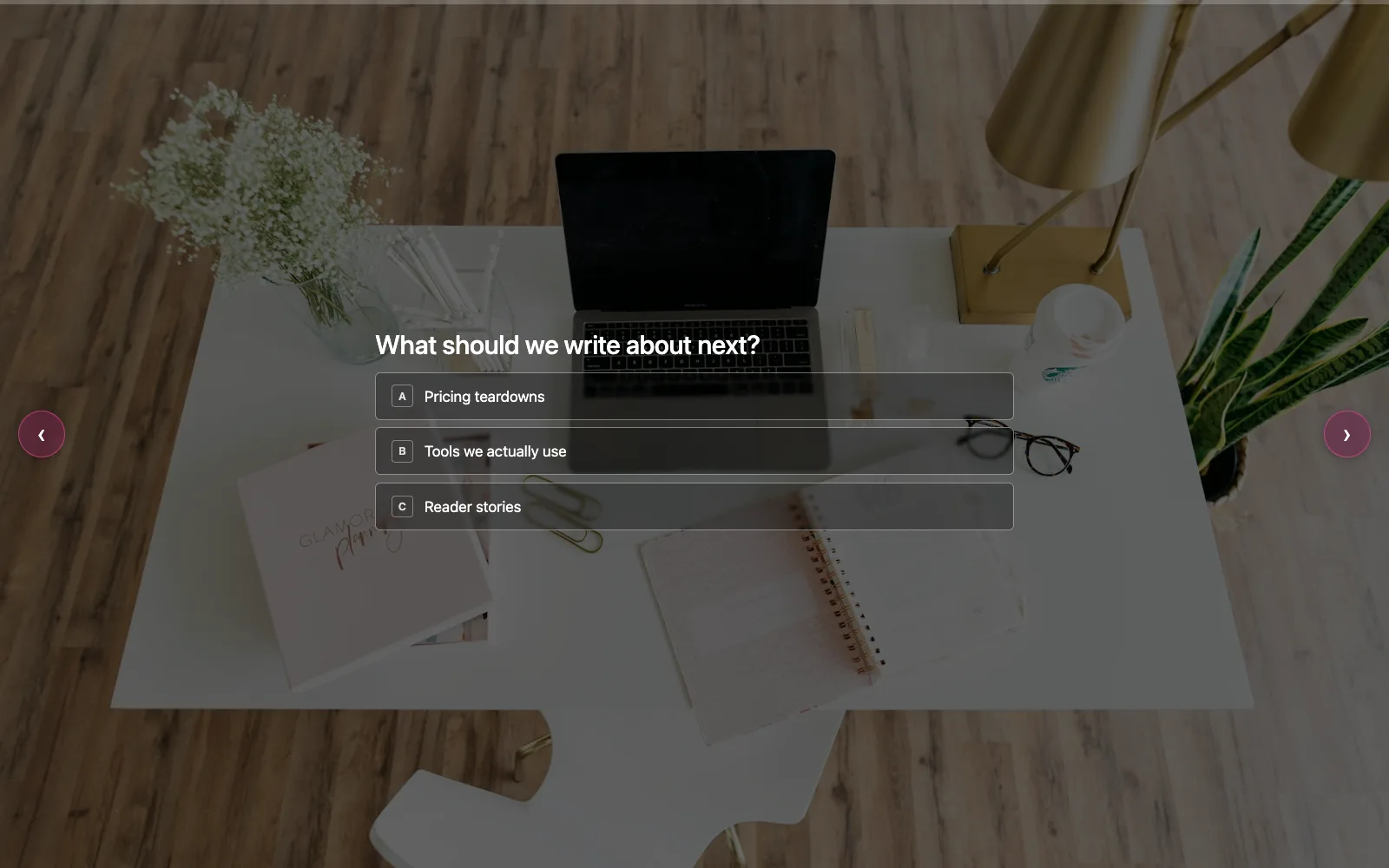
Put one link in your next issue. Readers see how everyone else answered, and share it.
Quick poll template →Plus a whole library of ready-made templates — for customers, teams, events, classrooms, clinics and more.
Smarter than a form
Send people to a different question — or a different thank-you — depending on how they answer. Everyone sees only what applies to them, so more of them finish.
Switch it on and the thank-you screen shows how everyone else answered, with their own answer marked — and one tap turns it into a card for X or WhatsApp that brings in the next answer.
@makersmeetup asked 412 attendees
Only 31%
of attendees came for the talks.
I'm one of them.
Where do you land? Add your answer →AskSincerely
Private until a question has enough answers. Free-text answers are never shown.
No credit card required.
How it works
Start from a ready-made template — or a blank page. It opens on a beautiful photo, ready to edit.
Click any text and type. Add your logo, change a question, pick a photo — or put an image or YouTube video on any question.
One click and it's live. Then share it wherever your audience is:
No credit card required. Nothing to install.
Your brand
Changing the look is a click, not a design job. Try it here — pick a logo, a photo, a colour and a font, and watch the survey change.
How was the event?
Two minutes — we read every answer.
StartGo ahead — click anything.
It's the same in the builder: click, and it's done — or start from 30+ ready-made themes.
Your logo, your colours, your look.
Pricing
No response limit, no tiers, no credit card. Compare with SurveyMonkey, Typeform and others →
Straight answers
Something else? Talk to a human. No AI, no chatbot, no ticket queue — a real person reads every message and writes back.
Yes, it's really free. Everything is included, with no cap on surveys or responses — no credit card, no trial clock. If that ever changes, you'll hear from us well in advance.
No. They tap a link or scan a code and they're answering. No account, no app, no email address required.
No. Start from a ready-made template — customer feedback, NPS, employee surveys, events, courses, hotels, restaurants, patients and more — and change any word you like. Or start from a blank page. Browse the templates.
We don't sell it and we don't share it with anyone. We only look at it when you ask us to help with a support request. Read the plain-English version on our data privacy page.
Yes, both, any time. Google Sheets integration: connect a survey to a sheet once, and new responses appear in it on their own. Google refreshes the sheet about once an hour, on its own schedule. CSV export: download every response as a file that opens in Excel, Numbers or Google Sheets.
Yes. If you can edit a slide or write an email, you can build a survey. Sharing a link needs no setup at all, and adding it to a website is one copy-and-paste.